HIPAA Micro Reels
Helping employees protect patient privacy every day.
Train. Reinforce. Protect.
Traliant Learning Topics pair foundational, attorney-authored training with reinforcement content, including Micro Reels that keep key concepts fresh throughout the year. Always protected, not more time in training.
Turn HIPAA knowledge into everyday habits.
Employees handle protected health information in countless everyday situations—from accessing records and sending emails to using mobile devices and speaking with coworkers. Even routine actions can create privacy and security risks when HIPAA responsibilities are not top of mind.
Designed to reinforce Traliant's foundational HIPAA course training, HIPAA Micro Reels are two-minute, mobile-first videos that help clinical and non-clinical employees strengthen everyday privacy and security habit
HIPAA Micro Reels
Keep privacy top of mind.
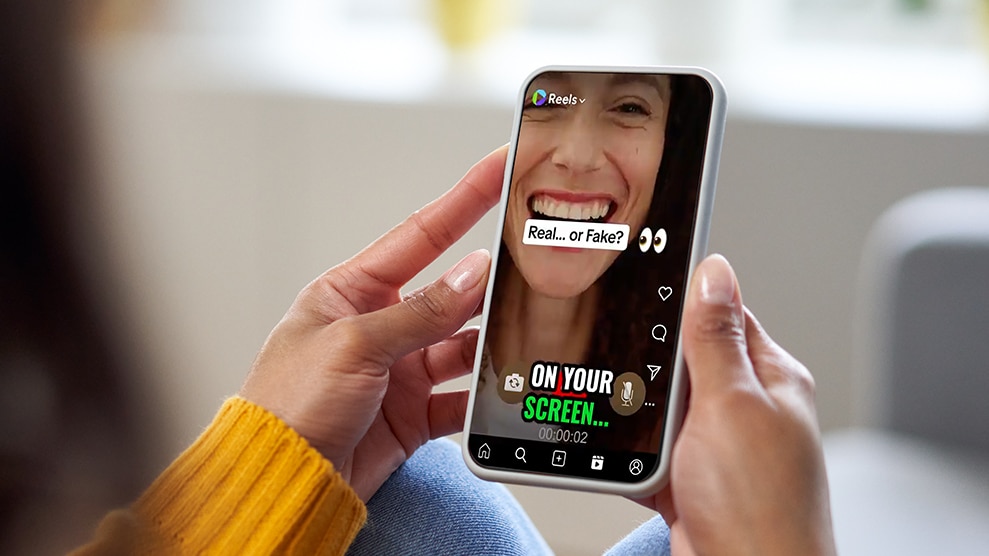
Employees make countless decisions each day that affect the privacy and security of protected health information. HIPAA Micro Reels reinforce the practical habits employees need to protect PHI and confidently apply HIPAA requirements in everyday situations.
The result is greater employee confidence, stronger privacy practices and reduced compliance risk.

HIPAA Micro Reels
Practical compliance guidance in under two minutes.
20 Micro Reels reinforce the practical HIPAA skills employees use every day to protect PHI.

Access for Care, Not Curiosity
Explains that patient records should only be accessed for authorized treatment, payment, operations or other approved purposes.

Minimum Necessary in the Moment
Shows how to share only the PHI needed during handoffs, referrals, rounds and patient care.

Hallway Talk Can Become a HIPAA Problem
Demonstrates how everyday conversations in shared spaces can unintentionally expose PHI.

Screens, Charts, and Whiteboards: What Others Can See
Shows how to prevent visual exposure of PHI in patient care and shared work areas.

Secure Messaging: Texting Isn’t Automatically Safe
Explains when PHI can be shared electronically and why approved secure messaging tools matter.

Tap In, Lock Down: MFA at the Clinical Workstation
Shows how multi-factor authentication helps protect ePHI while supporting efficient patient care.

Portable Devices, Portable Risk
Covers the safe use of laptops, tablets, phones and other devices that access or store ePHI.

Phishing Can Start with a Patient Story
Helps employees recognize phishing attempts disguised as patient requests, lab updates or internal communications.

Breach or Close Call? Report It Fast
Shows how to recognize potential HIPAA incidents and report them quickly.

AI, Dictation, and Clinical Notes
Explains how to safely use AI, transcription and documentation tools without exposing PHI.

You Handle PHI Even If You Never See Patients
Shows how billing, scheduling, HR, claims and other administrative roles regularly handle PHI.

Email Mistakes Are HIPAA Mistakes
Helps prevent email mistakes that can expose PHI, including wrong recipients, attachments and autofill errors.

The Spreadsheet Problem: PHI Hides in Plain Sight
Explains how reports, billing files and spreadsheets may contain PHI — even when they don't look like medical records.

MFA Is Not a Nuisance — It’s a HIPAA Safeguard
Shows how multi-factor authentication protects ePHI and strengthens account security.

Access Reviews: Why “Just in Case” Access Is Risky
Explains why employees should only access the PHI needed for their job.

Vendors and PHI: Don’t Send First, Ask First
Shows when PHI can be shared with third parties and why appropriate approvals matter.

Print, Pick Up, Shred
Highlights simple steps to protect printed PHI in offices, mailrooms and shared workspaces.

Remote Work HIPAA Habits
Covers practical ways to safeguard PHI while working remotely.

Special Requests for PHI: Pause Before You Disclose
Shows when requests for PHI require additional review before information is shared.

Security Incident or IT Glitch? Report Both
Helps employees recognize potential security incidents involving ePHI and know when to report them.
ALWAYS-ON RISK MITIGATION
A stronger compliance program with the tools to go deeper, ready when you are.
What is a Learning Topic?
A Learning Topic is everything you need to cover one subject, like preventing harassment or keeping data safe. It’s more than a single course. It pairs attorney-authored training with reinforcement tools that keep the protection going after the course ends.
How does it work?
The full course meets your requirements, giving a documented, defensible record. Reinforcement tools keep that protection working between annual trainings. Pick your Learning Topic, roll it out, and it keeps working all year.
What’s in a Learning Topic?
Reinforcement tools vary by topic, so each Learning Topic includes the mix that fits its subject.

Foundational courses
Comprehensive training written by our in-house attorneys and kept current as laws change. Produced with the quality of a TV show, so it holds attention and the lesson sticks.

Micro Reels
Short, just-in-time videos that reinforce key concepts right when employees need them most.

Refreshers
Short follow-up courses that strengthen retention between annual trainings.

Application Tools and Job Aids
Practical resources that help employees apply what they learned with confidence on the job.
KEY FEATURES
Why HIPAA Micro Reels Work
HIPAA awareness doesn’t stop after training.

Built for real behavior change
Each reel focuses on realistic situations that help employees protect PHI and confidently apply HIPAA requirements in their daily work.

Designed for continuous reinforcement
Short, targeted videos reinforce key privacy and security practices, helping employees keep HIPAA responsibilities top of mind throughout the year.

Flexible, customizable, and easy to deploy
Deliver through your LMS, email, Teams, SharePoint, Slack or mobile devices.